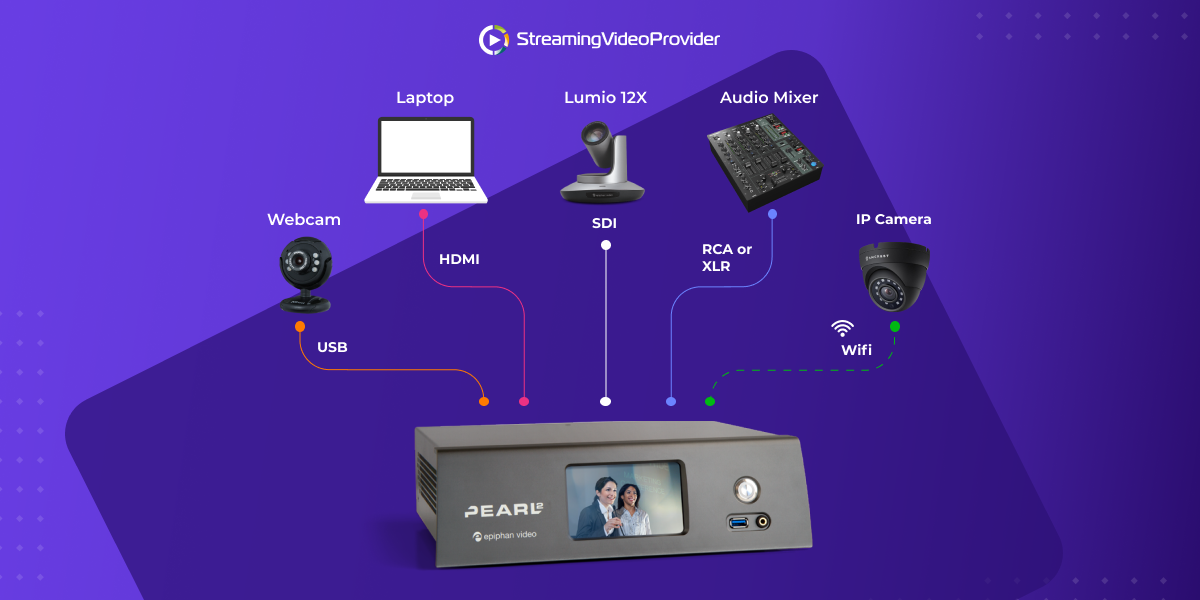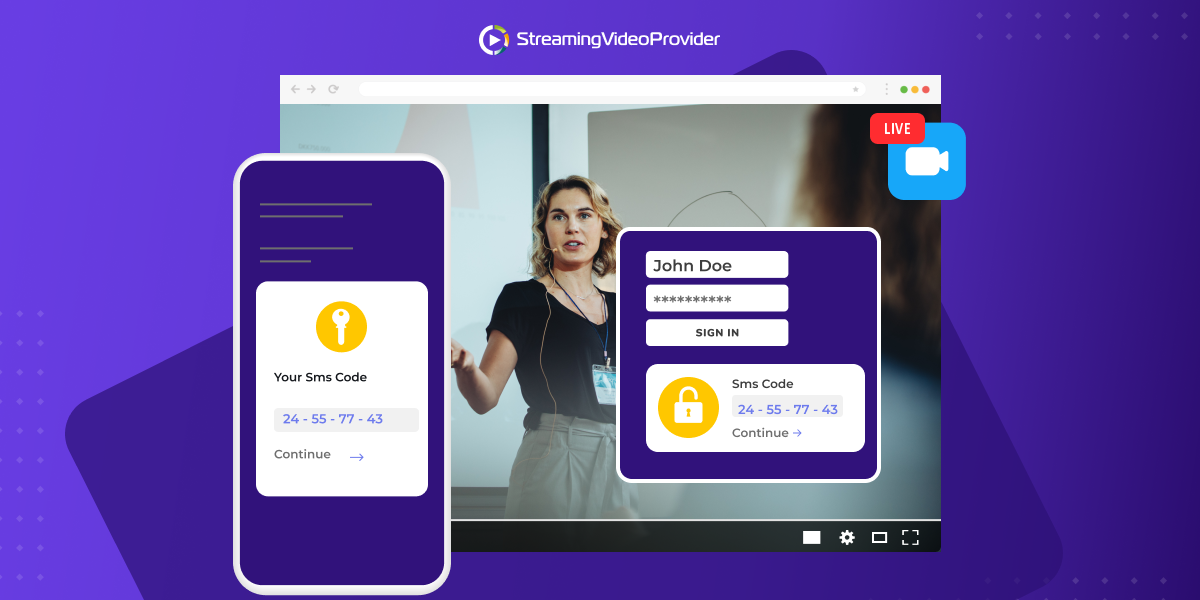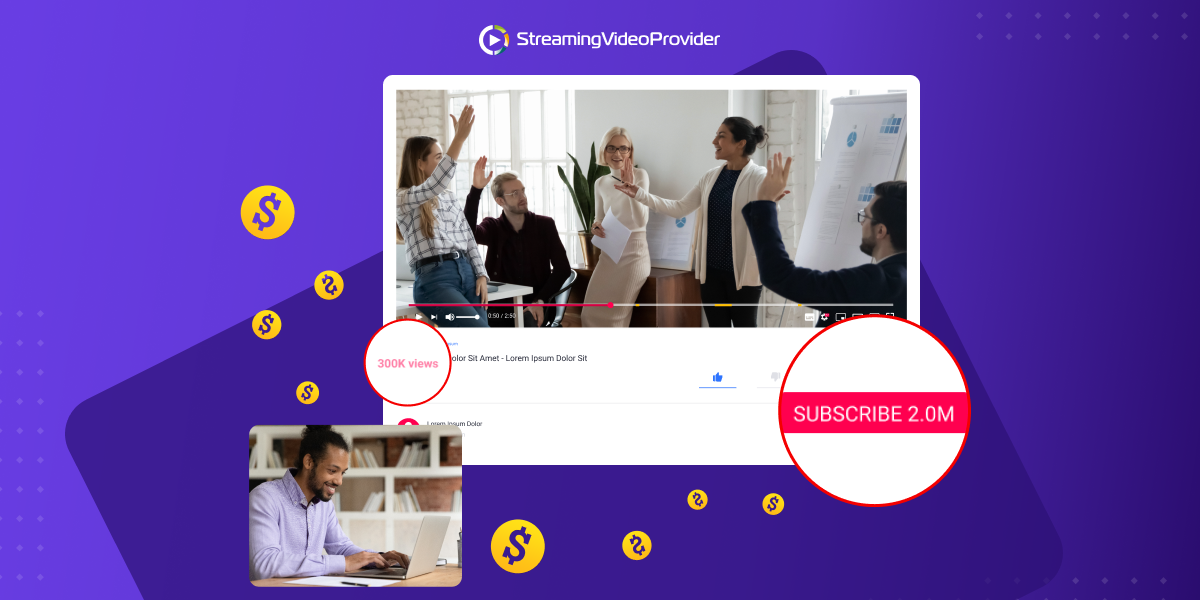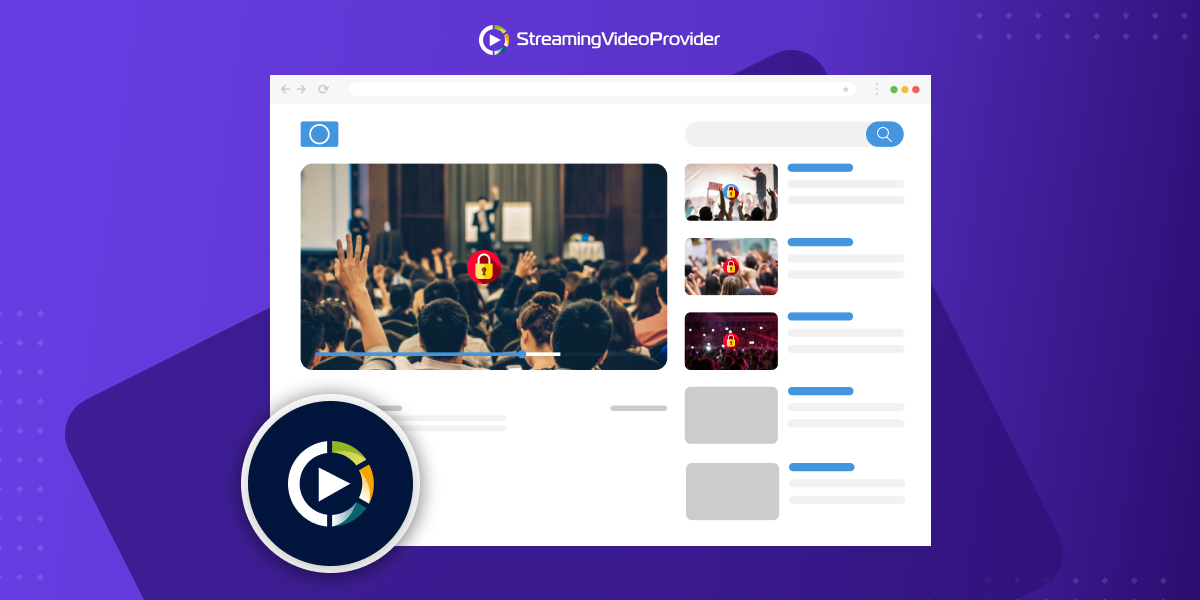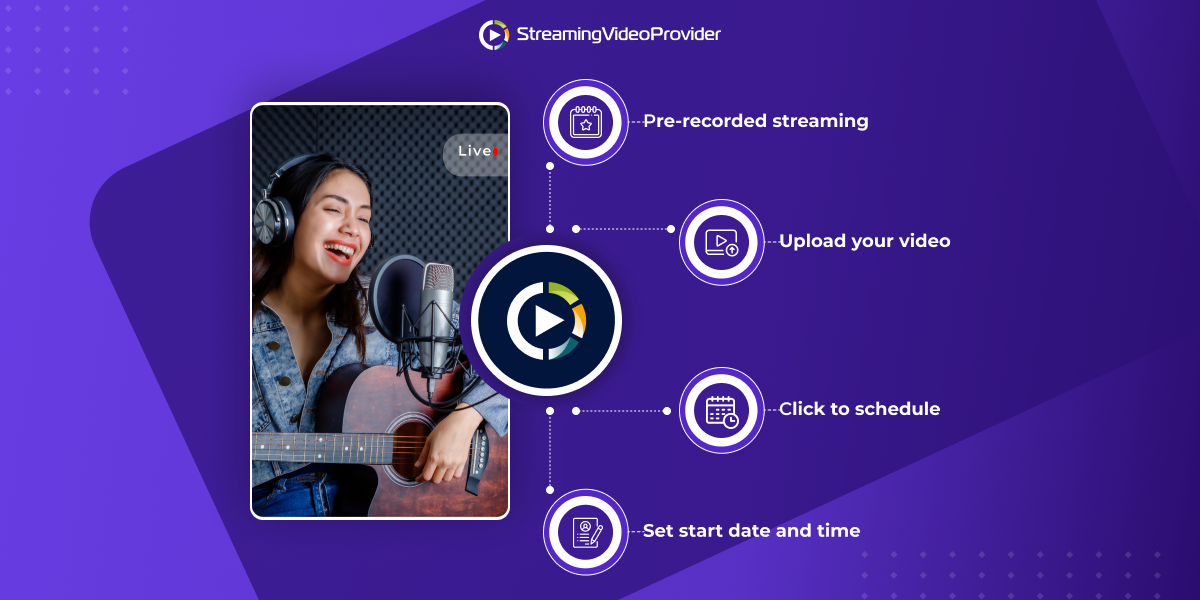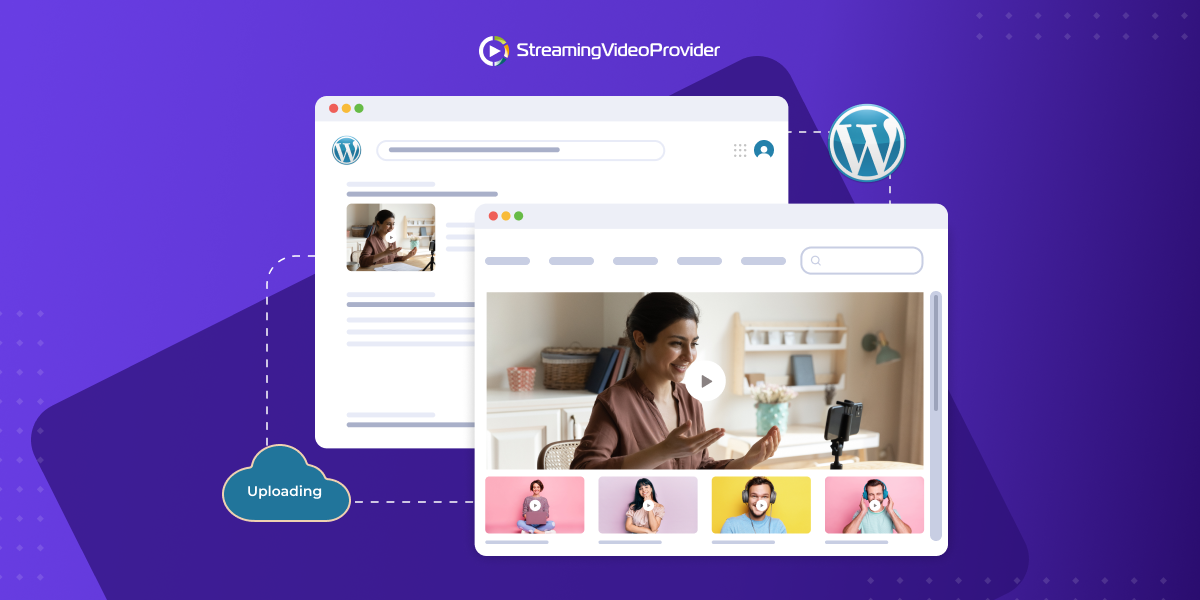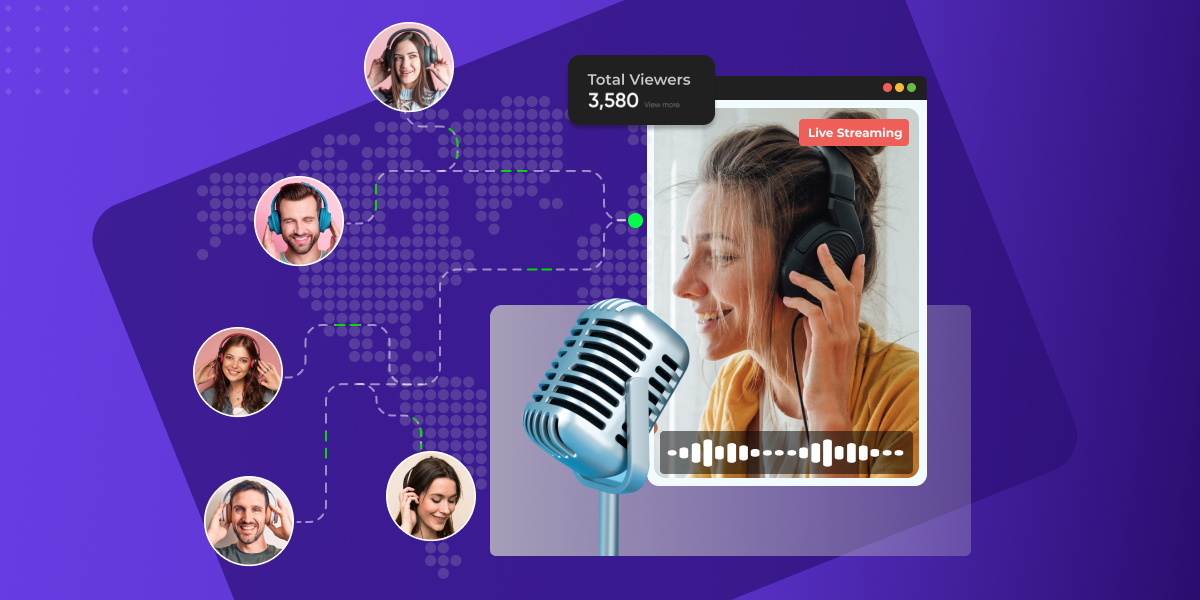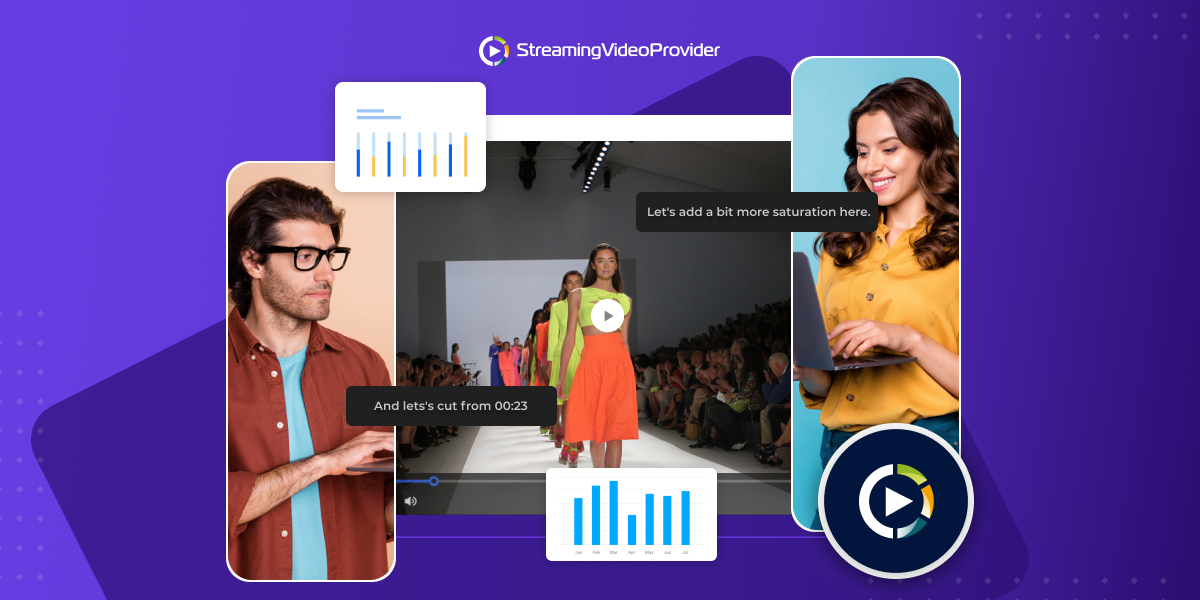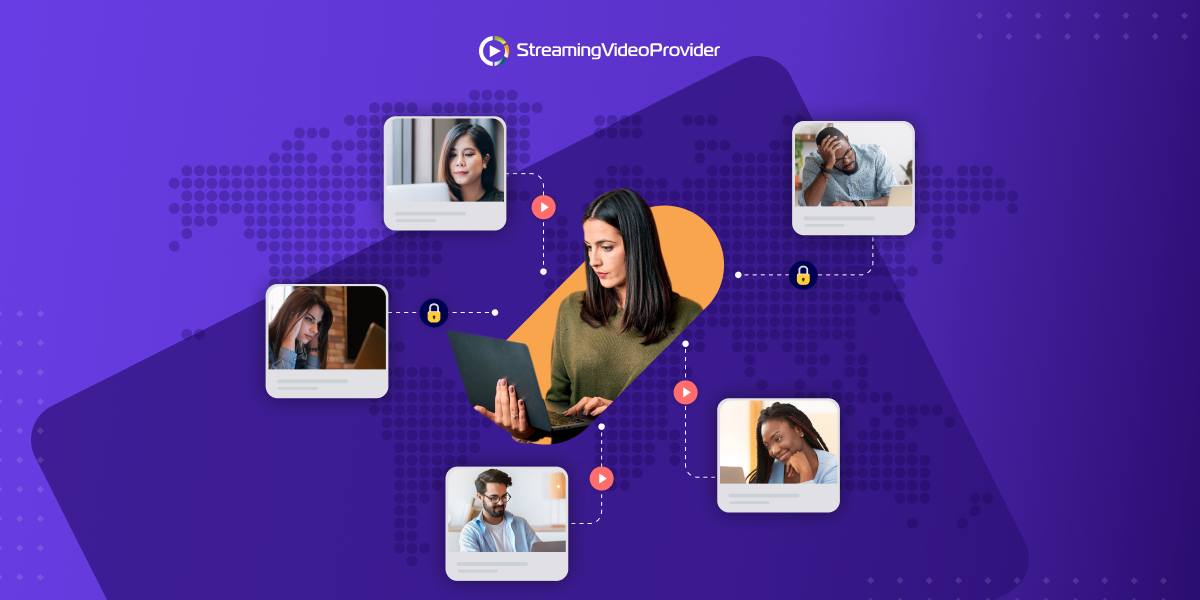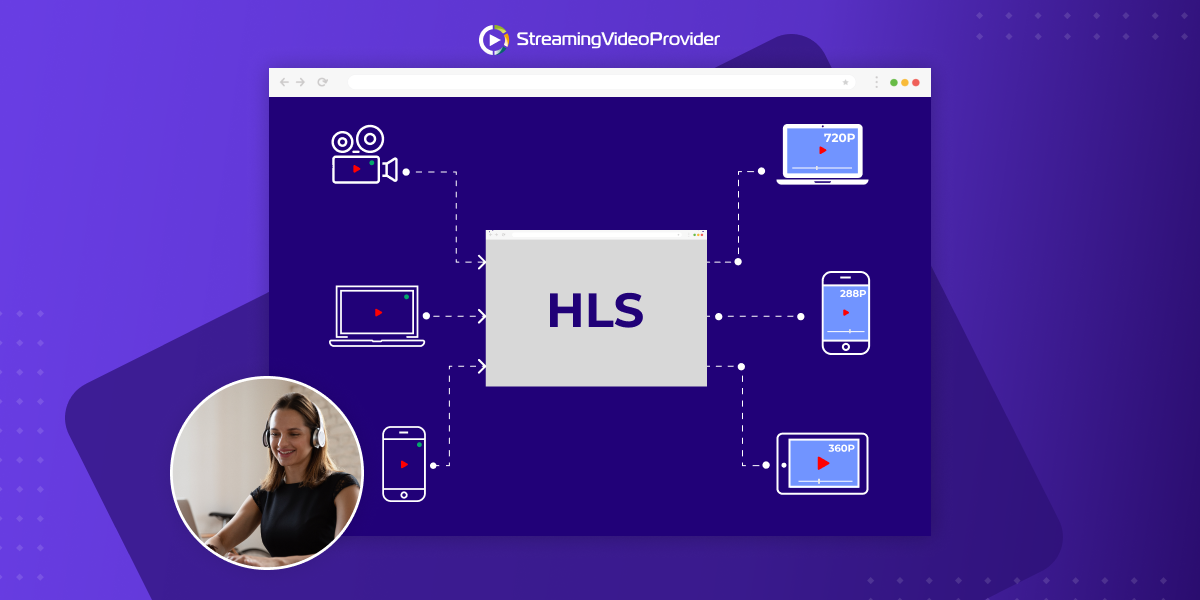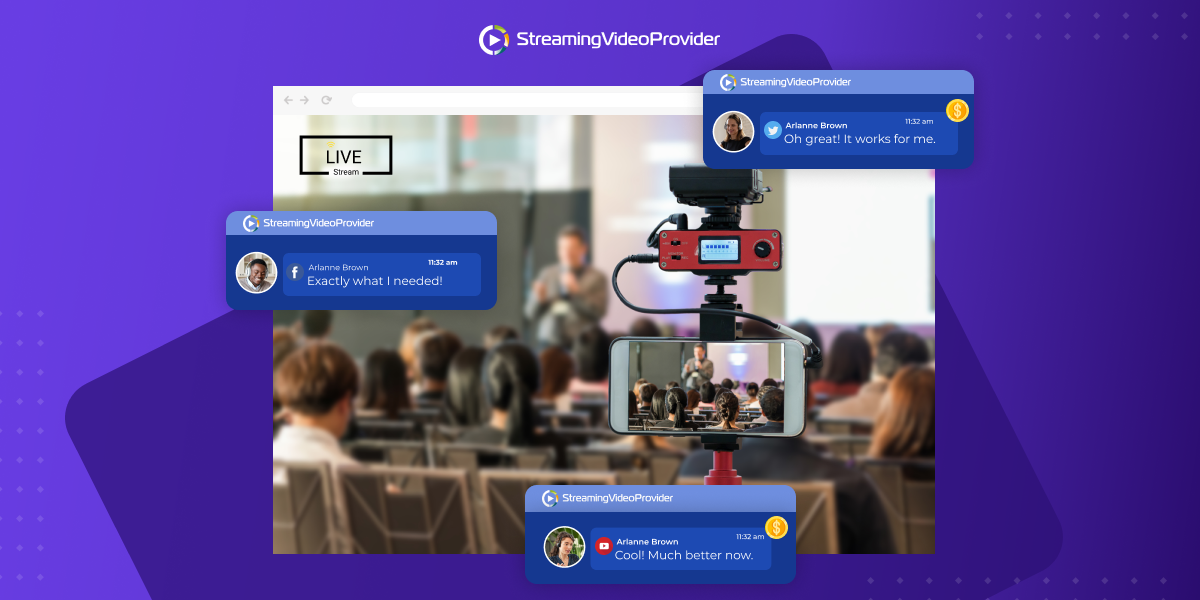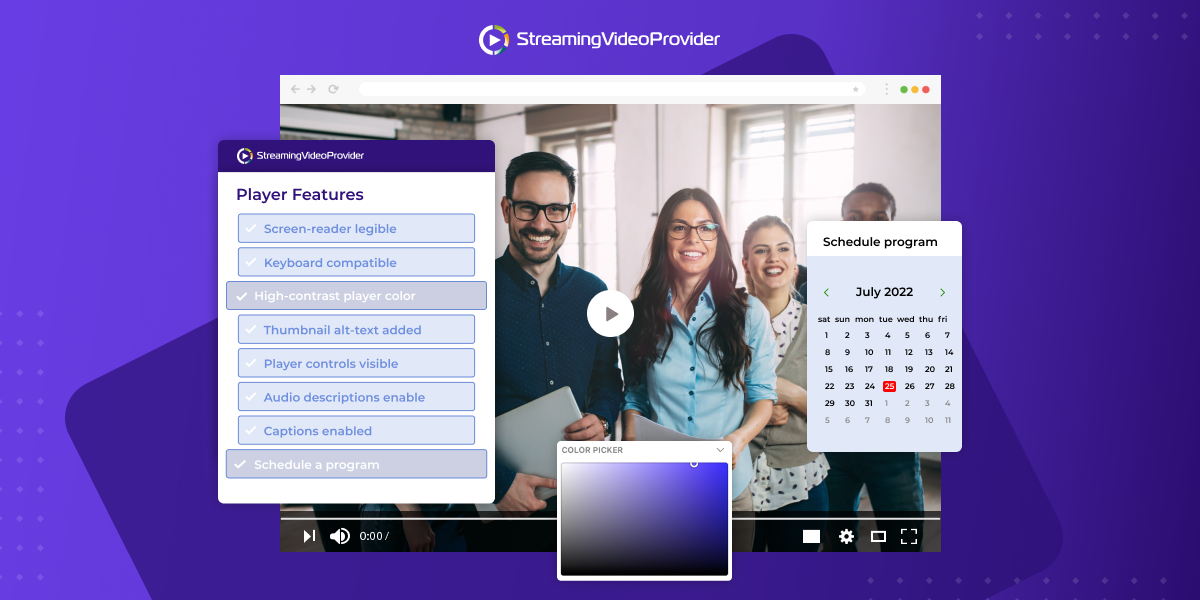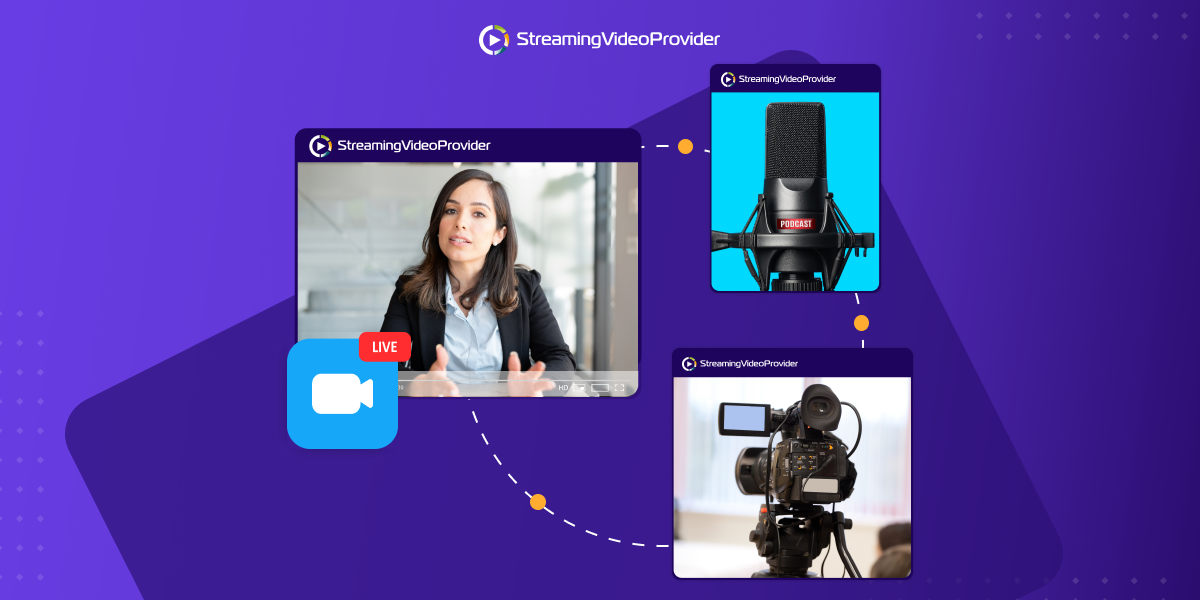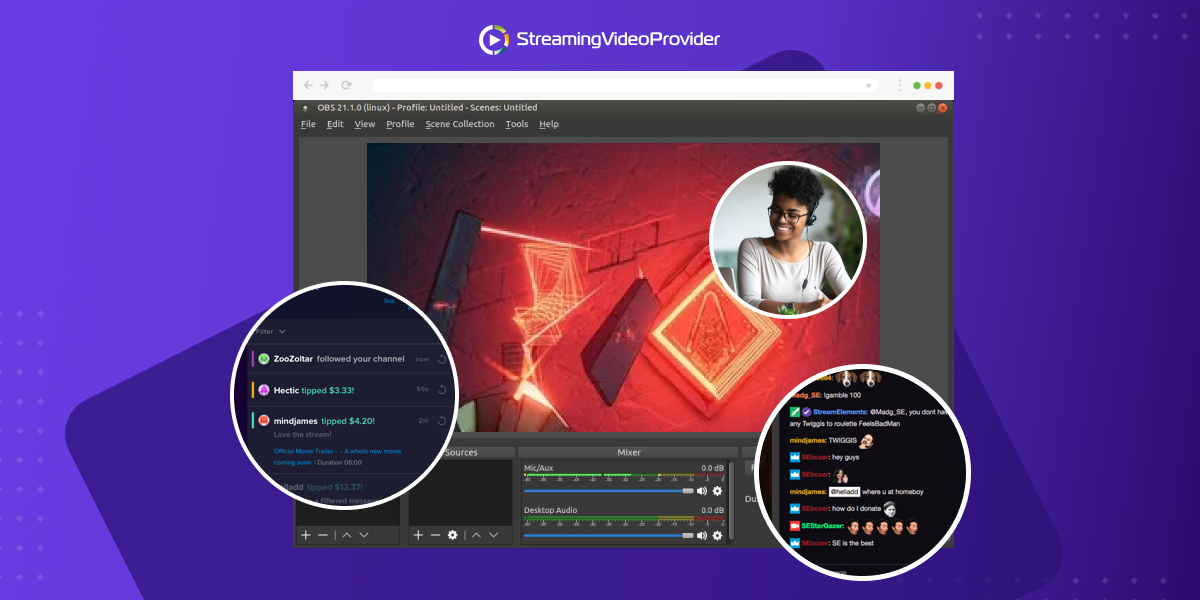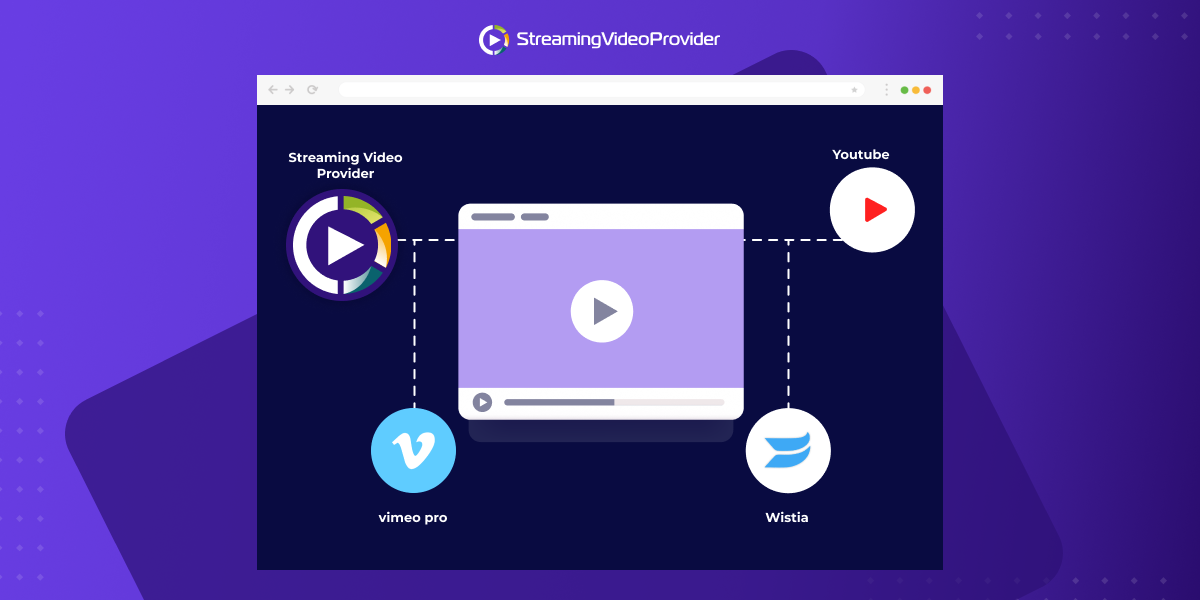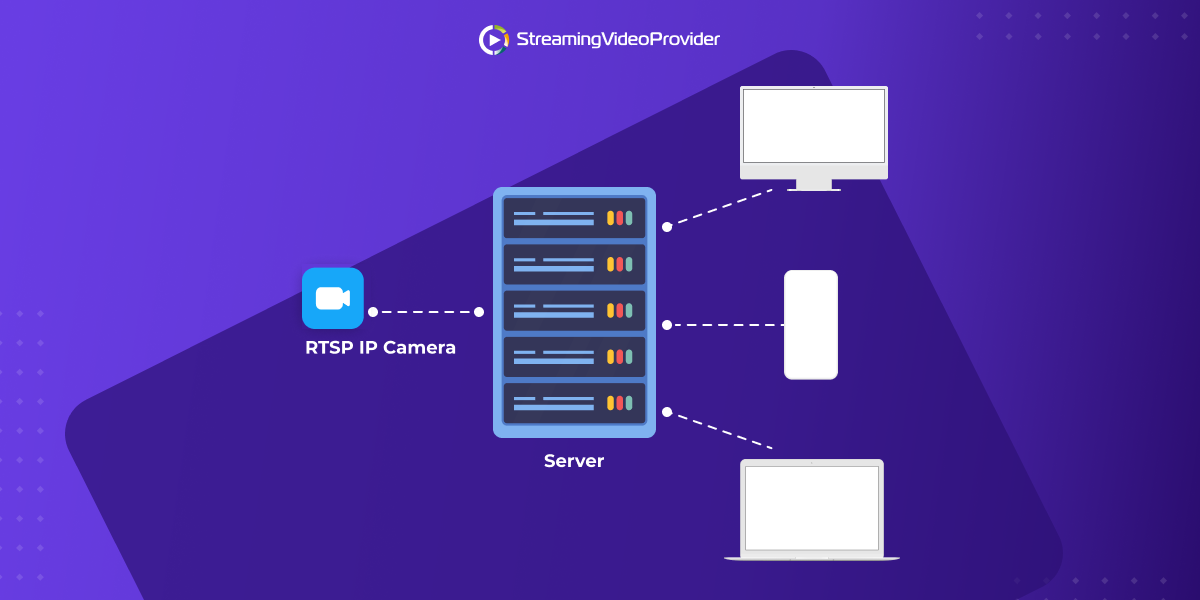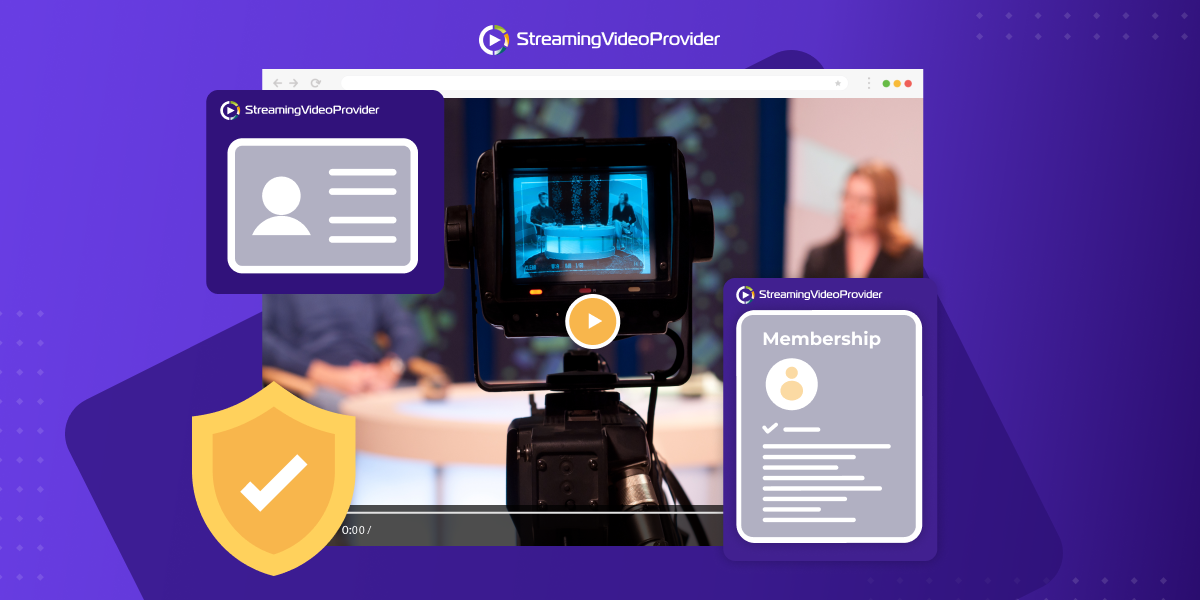
StreamingVideoProvider has just released Live WebTV Scheduler. Create your own Web TV Programme.
To find out more click on the image below:
StreamingVideoProvider has just released Live WebTV Scheduler. Create your own Web TV Programme.
To find out more click on the image below:
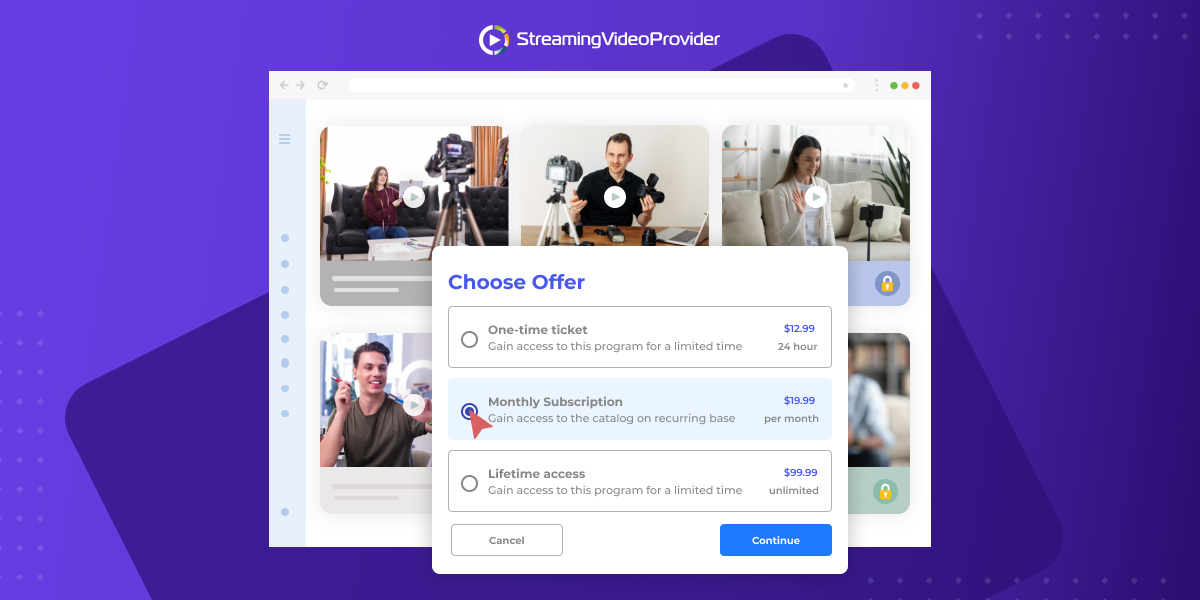
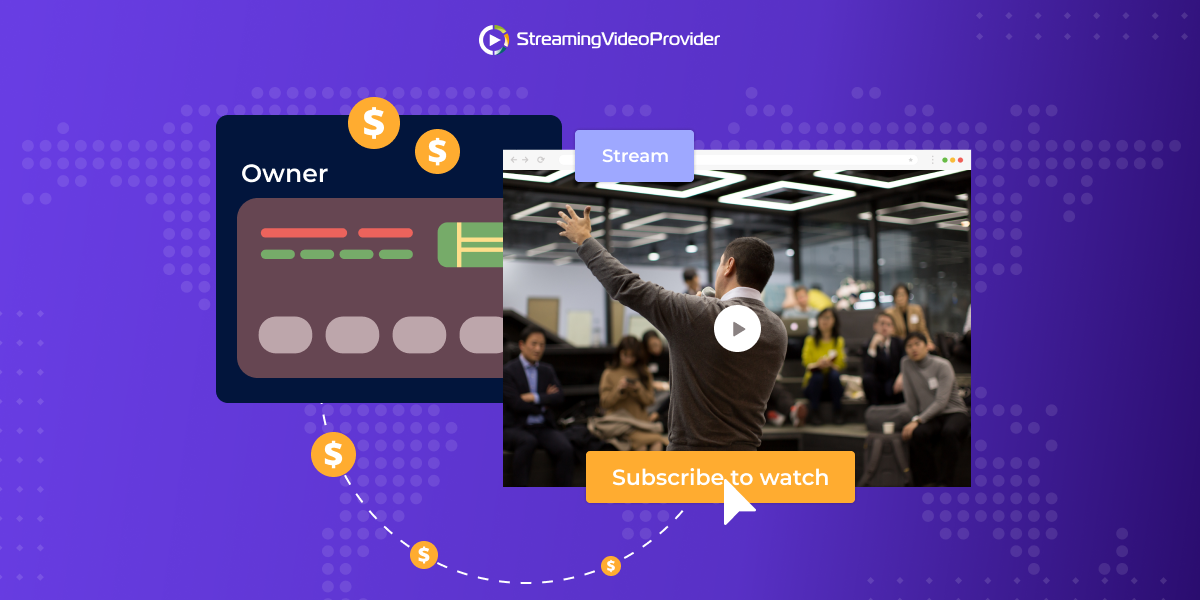
StreamingVideoProvider has just released the ability for pay-per-view users to take monthly and recurring payments for their ppv videos from their users.
To find out more click on the image below:
StreamingVideoProvider has just released IP Restrictions for your Videos.
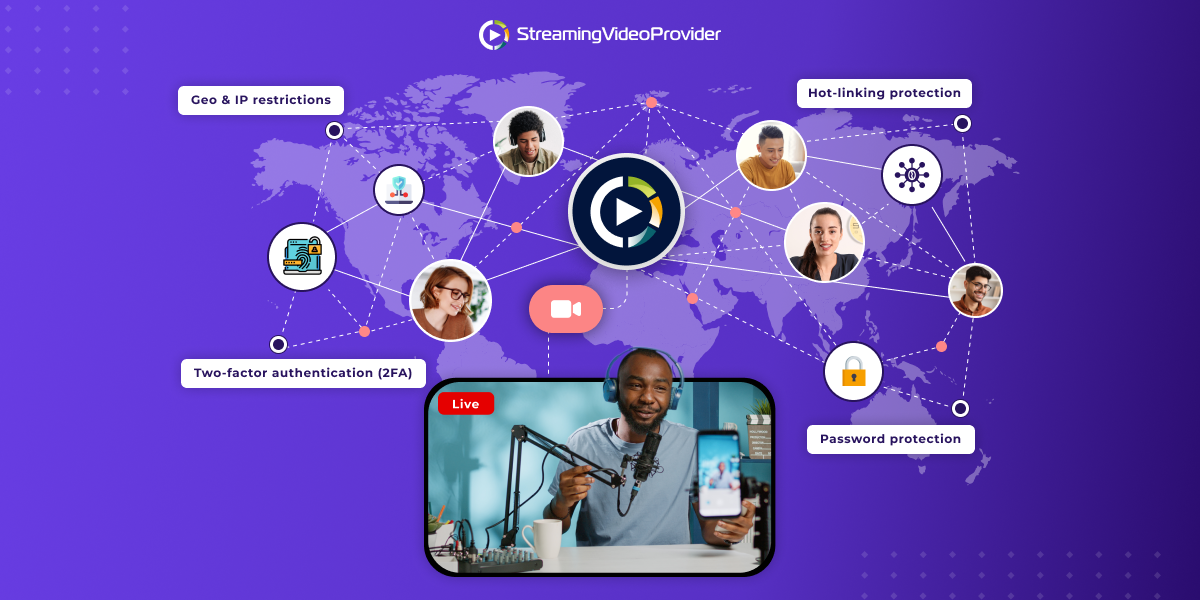
By using IP restrictions you can restrict the access to your videos and video applications and allow viewers only from trusted IPs.
To find out more click on the image below:
StreamingVideoProvider has just released Geo-Blocking Video Restrictions
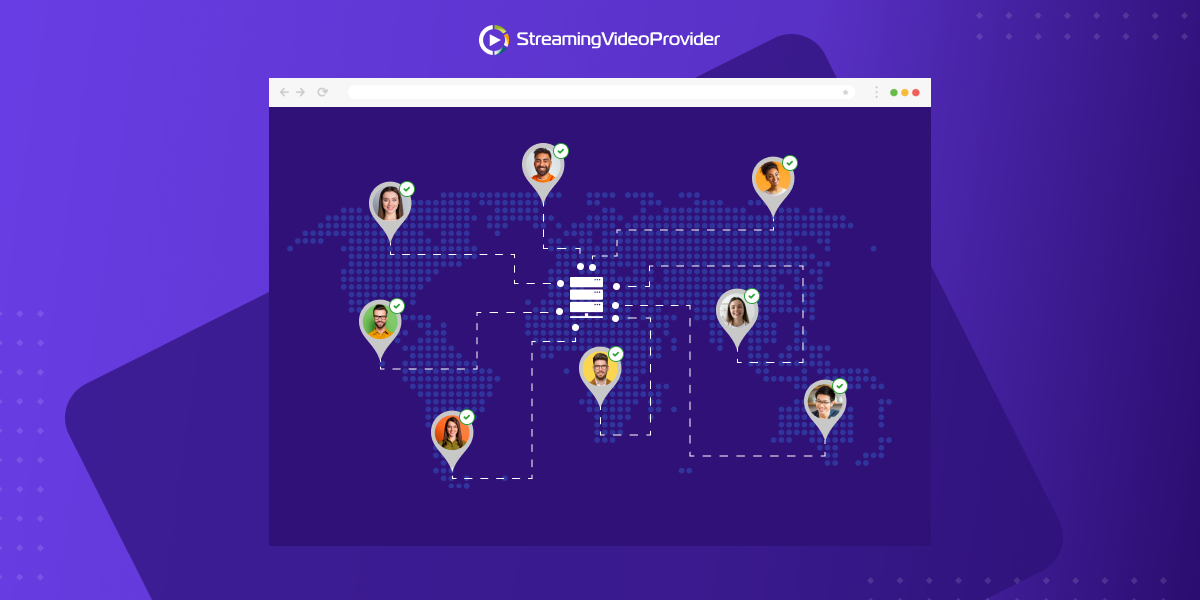
By using Geo blocking video filtering you can restrict access to your content for viewers in specific countries or regions.
To find out more click on the image below:
StreamingVideoProvider has just released integration with Google Analytics.
By integrating your Google Analytics account you will be able to track the total number of plays across all your videos during a chosen time frame and you also have the ability to see individual play counts, technology information, traffic sources and visitor information.
To find out more click on the image below:
Pay-Per-View users can now accept payments using the following payment processors and solutions:
| Supported Pay-Per-View Payment Processor | Integration Instructions |
| 2Checkout.com | see instructions > |
| CCBill.com | see instructions > |
| PayPal.com | see instructions > |
| Authorize.net | see instructions > |
| Custom Payments via PPV API | see instructions > |
See Live PPV Demo with PayPal and 2Checkout
In some cases it makes sense to allow your customers not only to stream your videos but also to download them to their computers.
StreamingVideoProvider makes it easy for you to enable a Download Video button that will be displayed around your new or already embedded video players or applications without the need to replace the embed codes.
If you are offering your videos on Pay-Per-View or Password Protected basis, the Download Video button will be available only for those viewers that have purchased or are authorised to see your videos.
How to Enable Viewer Downloads and Enable the Download Button for Your Viewers
1.) First go to the video that you would like to download and click on the Settings under the video options.
2.) Scroll all the way down to the bottom of the page and click on the ‘Download Now’ button to start downloading the video
When enabled, you will be presented with a few options:
- Here you can change the download button title, which will be displayed to the viewers.
- You can also choose the position of the button such as bottom right or top let.
- You also get the choice of positioning the button inside or outside of the single video player.
3.) Click on the save changes button to save your settings
Download Video button in Playlists and Video Applications
The difference between the single videos and the video playlist download button position is that in a Video application the offsets are based on the entire application and not just the player. Meaning that if we choose the position to be top left. The button will be placed in the top left corner of the video application.
Offset Control
We also have an offset control that allows us to position the button pixel perfect to our requirements.cOffsets are controlled with the X and Y axis. X is the horizontal axis and Y is the vertical axis. You can input positive or negative pixel numbers to control the positioning of the download button.
For example if we wanted to move the button 100px to the left we would type -100 in the X preference box.
FAQs
Q: Can I use the Download Button to download my own videos?
A: Yes.
Q: How to Download Your Videos from your StreamingVideoProvider Panel
A:
1.) First go to the video that you would like to download and click on the Settings under the video options.
2.) Scroll all the way down to the bottom of the page and click on the ‘Download Now’ button to start downloading the video
Q: How much does it cost when the Download Button is used?
A: Since it’s the same as the steaming when it comes to bandwidth, we’ll deduct 1 stream per 10 minutes. So if your video is 60 minutes and the Download Video button is used by you or your viewer, we’ll deduct 6 streams from your account.
We are very excited the announce the release of our Pay-Per-View API that enables users to integrate 3rd party payment / SMS processors with the StreamingVideoProvider's Pay-Per-View Paywall solution and also to manage your ppv tickets and passwords via the API.
If you are looking to integrate your country specific payment solution with our PPV, all you need is a bit of a help from a developer who can use our PPV API. The documentation can be found here.
Once set up our Pay-Per-View API will allow you to use one or even multiple payment processors giving you the freedom of how and where you would like to receive your payments.
When it comes to managing the pay-per-view tickets or passwords, you can now use the following PPV API services:
33 . svp_set_free_video_mode
34 . svp_assign_video_tickets
35 . svp_list_advanced_packages
36 . svp_set_video_protection_mode
33 . svp_set_free_video_mode
Read more about the PPV API and explore the examples provided at the bottom of the artcile
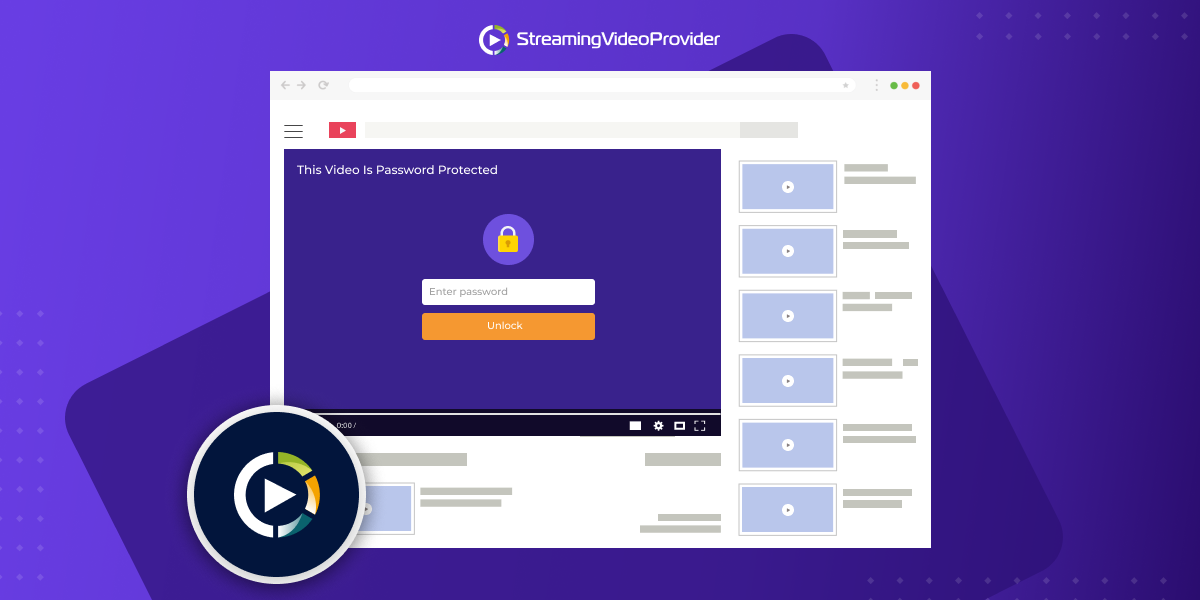
StreamingVideoProvider makes it easy to restrict your playlists so they can only work on allowed domains in just a few steps. Most of the providers do not offer this feature to their customers.
Why should you use the Domain Restriction feature?
Let’s say you have a protected area on your website which is password protected or has a pay wall and you embed the video or video playlists inside this space. Unless you are able to lock down your videos to your domain, everyone can easily see your source code, copy your embed code and paste it one their own website so that others can watch the content for free. This is why we have developed this neat feature that will prevent this from happening.
How to enable Domain Restrictions
1.) First go to the playlist that you would like to restrict and click on the edit button next to the playlist name.
2.) Now click on the show advanced options button
3.) Then type in the trusted domain names which will be allowed to display your video apps & playlists.
4) Please note the default option is blank, meaning that the video app embed codes can be placed on any website without any restrictions.
5.) Domain names should be entered without any pre code such ass http or www. example: streamingvideoprovider.com
6.) if you would like to add any further allowed domains you will be able to do so by comma ( , ) separating the domains. For example: streamingvideoprovider.com, abc.com, bbc.com
7.) Once completed just click on the 'Save and Return to my panel' button. This will save your chosen domain restrictions and your playlists won’t be able to be viewed on any other website.
Tip: For more video Protection and Privacy features read here
The new feature that many of you have asked for now enables you to set up Pay-Per-View tickets for your single video players including Live Broadcasts.
Before it was only possible to publish your PPV videos as part of a video playlist but that wasn't ideal for some specific scenarios. We listen to your feedback and we're now delighted to announce this great new way to monetize or password protect your content as single video objects.
To try it out go to My Panel > Single Videos and click on PPV button. Then watch the video tutorials or follow the on-screen instructions.
![]()
The VideoApps Studio is now the main designing tool for your Video Playlists. That includes Pay-Per-View / Password Protected videos too.
Read more about VideoApps Studio >
![]()
Since the VideoApps Studio supports Pay-Per-View / Password Protected Videos now, we've decided to merge all the playlists into one single place called "Video Playlists". Making it easier than ever for you to manage them.

![]()
Q. Are any of my playlists or videos lost?
A. No. We were able to merge them without any service interruption.
Q. I am a Soho user. Can I use the Single PPV Videos.
A. Yes, but you are limited to 1 PPV video only. You can upgrade to unlimited for only £9.99/mo. by going to Account > Add-On Store.
Q. I am a new customer. What should I do?
A. Create your free trial account here and follow the e-mail instructions that will be sent to you upon registration.
Today, we’re excited to announce officially several new improvements to the StreamingVideoProvider video platform.
Facebook & Twitter publishing feature allows you to publish your video content (live broadcasts and video on demand) straight from your StreamingVideoProvider user panel onto your Facebook Wall or Twitter status page. - read more

For those StreamingVideoProvider users who are using the VideoApps Studio as a publishing tool to create their video applications, we are delighted to announce a "VideoApp Direct Url" feature available under the Publish section of the VideoApps Studio.
You are now able to generate a link that can be sent via email, tweet, added in Facebook, word, pdf files etc…, virtually anywhere that enables you to add a url link. This gives you huge flexibility when it comes to making it easy for your viewers to access your video applications from any device, anywhere, any time. - read more
Use the new search & filter bar within your PPV Orders & Passwords section to find easily any information related to your ppv orders and passwords.
To use the new feature login and go to Pay-Per-View Playlists > PPV Orders and Passwords - read more
More flexibility when it comes to setting up your video access restriction. Create your own custom PPV packages and add custom tickets to them - read more
We have now completed the first stage of our VideoApps HTML5 auto fallback procedure so your video apps, designed using the VideoApps Studio, can now be accessed by iPhone & iPad devices.
Note – all video apps are currently using only one HTML5 template called Obsidian. By Oct 2012 we hope to finish the second and final stage pf the development so any video apps including the custom designed ones will look almost the same when viewed by iOS devices.

We have now completed the first stage of our VideoApps HTML5 auto fallback procedure so your video apps, designed using the VideoApps Studio, can now be accessed by iPhone & iPad devices.
Note – all video apps are currently using only one HTML5 template called Obsidian. By Oct 2012 we hope to finish the second and final stage pf the development so any video apps including the custom designed ones will look almost the same when viewed by iOS devices.

For those StreamingVideoProvider users who are using the VideoApps Studio as a publishing tool to create their video applications, we are delighted to announce a "VideoApp Direct Url" feature available under the Publish section of the VideoApps Studio.
You are now able to generate a link that can be sent via email, tweet, added in Facebook, word, pdf files etc…, virtually anywhere that enables you to add a url link. This gives you huge flexibility when it comes to making it easy for your viewers to access your video applications from any device, anywhere, any time.
How it works?
Once the viewer clicks on the url, a stand alone browser comes up with the video application.
CLICK HERE FOR LIVE DEMO
Watch Video
Frequently Asked Questions
Q. I cannot see the VideoApp Direct Url in my VideoApps Studio > Publish section. What shall I do?
A. Please clean your browser cache and try again.
Q. Can I generate and send a "VideoApp Direct Link" to my users and have them pay to watch my PPV videos?
A. Absolutely. The video apps and the ppv videos within them are functioning exactly the same way regardless if the apps are embedded within a webpage or accessed via the direct url link. You can mix and match both publishing solutions.
Q. Are there any concurrent viewers restrictions with the VideoApp Direct Links?
A. No.
We've just added a new search & filter bar within your PPV Orders & Passwords section so you can find easily any information related to your ppv orders and passwords.
To use the new feature login and go to Pay-Per-View Playlists > PPV Orders and Passwords

Quick Overview
We are super excited to launch our 3rd generation highly customisable flash video player that offers high-performance video playback across multiple platforms, including TVs.
With its Stage Video feature it helps you deliver best-in-class video across screens and browsers by enabling access to hardware acceleration throughout the entire video pipeline. It delivers improved playback quality while reducing processor usage by up to 85%. This enhanced performance builds on the benefits produced by H.264 hardware accelerated decoding introduced in Flash Player 10.1.
Style & Brand Your Player To Match Your Website
We added a wide range of ready-to-go colour templates enabling you to pick the right style player that best fits your website. If you wish to design your unique look & feel players, we made sure to provide all the options so you can do so.
Feature at a Glance
Ready To Start Using The New Player? Let's Go Then … Just watch the video below
Frequently Asked Questions
Q. Is the new player free?
A. Yes – the new player is available to all StreamingVideoProvider accounts.
Q. Why should I change my old players to the new one?
A. Two reasons. 1) It provides smoother streaming and better quality playback experience, especially on the lower end processors by using the graphics card GPU instead of CPU. 2) It's much better looking player with ability to customise the play button and the timeline colours.
Q. I've got previously embedded videos using the old player. How should I replace / upgrade them to the new player?
A. You'll have to generate new embed codes and replace the old ones with. Unfortunately there is no central point where you can flip a button and replace the old players with the new ones.
Q. Will the new player be added to the VideoApps Studio and the PPV?
A. Yes. We are planning to add the new player as a default player option in the VideoApps Studio and also add the access restrictions ( Pay-Per-View, Password Protection, Fill-In Form ….) to it. The VideoApps Studio will become a primary publishing tool for your video playlists. ETA: 15 May 2012
Q. I am a new customer. What should I do?
A. Create your free account here. The new player is the default option so you don't have to worry about any previously embedded videos. Just watch the above video tutorial.
22 Sep 2011 – StreamingVideoProvider is proud to announce its new features recently added to the SVP video platform.

Dead-simple solution – Everything is provided within the embed code so you don't have to do anything special to have your videos available to iOS devices. We have added the new functionality and provided seamless and hassle free integration of this new feature.
HD Support - We will deliver your videos in excellent HD quality with no restrictions to Flash & iOS devices, worldwide.
One Stream / One File - Save storage space and bandwidth by using the same live stream and VoD files to deliver your content. Other providers encode and require separate video sources – we don't!
Affordable – VoD iOS streaming is available for Soho+ and above; live iOS streaming for Business and above users.
If you have an iOS device you'll have to see it to believe it
| Visit Live FAQs and How-to guides | |
| Visit VoD FAQs and How-to guides |
Strong security – we have introduced a new delivery method called Secured Streaming over RTMP which protects your video content from being easily downloadable by your viewers using software such RealPlayer, Replay Media Catcher or other sniffing tools that can detect and download the video source. This solution is ideal for Pay-Per-View publishers.
VoD and Live Streaming Support - the new security scheme supports both live and VoD streaming.
Player Seek Capability – viewers can jump forward and backward to any part of the video timeline without the need for waiting for the video to pre-buffer.
Read More About This Feature >>
Batch SD & HD video encoding.
Batch uploading straight into your SVP Panel.
Full state resuming feature on internet failure or program crash during uploads.
Large file size support ( over 2GB +)
Read More About This Feature >>
![]()
Plug-in your cameras. Prepare your shots. Broadcast live.
Wirecast software lets you produce professional-looking live events with just a camera, an internet connection and a computer. Stream or record live internet shows, broadcast breaking news or sporting events…
Read More About This Feature >>
You can now send viewers to specific videos that are part of the PPV iframe playlists.
This is a great feature since it allows you to drive targeted traffic straight to the specific videos rather than the entire playlist, and therefore increase conversion rate and sales.
We are constantly working on new features. See what is coming soon here
We are excited to announce the public beta launch of SVP Encoder & Uploader App, a new Windows based application that makes it easy for you to batch encode your video files locally before uploading them into your SVP Panel.
Since the video files become much smaller after being encoded to the right streaming format (.flv flash format), this will dramatically speed up the uploading processes and provide immediate video publishing service after the successful uploads.
The SVP Encoder & Uploader App is available to all SVP users. Find out more about SVP Encoder & Uploader App
Watch Video
This web site makes use of the Adobe Flash Player.
VIDEO PLAYER and streaming live video.
Newly added services to our API v. 1.12
17 . svp_set_video_image
18 . svp_set_primary_video_image
19 . svp_cancel_user
20 . svp_start_broadcast
21 . svp_stop_broadcast
22 . svp_start_live_encoder
23 . svp_stop_live_encoder
24 . svp_list_live_encoders
Newly added notifications – appendix 2:
6. notice
We are delighted to announce the latest new feature(s) that is now available in our user's control panels.
This web site makes use of the Adobe Flash Player.
VIDEO PLAYER and streaming video.
For Internet Service Providers, the greatest challenge is to constantly reinvent their skills to catch up with the latest technologies. No sooner have they mastered their skills in one area, that another one emerges. Making this even tougher for these service providers is the fact that customers these days are truly knowledgeable and up-to-date on technology facts. They no longer wait for service providers to give them ideas, but have their own clear notions about what they want! What do service providers like web designers, developers, hosting companies, video production houses do in such situations? Do they upgrade, acquire, partner or pass on?
Take the example of how websites have evolved over the last few years. A few years ago, a plain vanilla website was enough for customers as it provided them with an online presence. Basic html, maybe a few pictures and they were all set to roll out. But that phase quickly disappeared with websites becoming powerhouses whose potential, unlike offline media, had the capability to get global visibility easily. This set of the `mad SEO’ phase with everyone rushing to rewrite content to ensure that they have a good page rank, as though their very lives depended on it. Multimedia quickly followed with Flash banners following suit.
What has, however, been a bit slow in following is video enabled websites. The reasons are rather obvious. No one doubts the power of videos in engaging users or holding the attention of visitors. Having said that, video enabling is a completely different ball game! First of all, to have video enabledwebsites which demonstrate accelerated performance at peak times, the network needs to be powerful. To ensure this, service providers have to factor in server cost investment or hefty expenses related to hiring a CDN provider.Technical knowhow and cost factorsare additional challenges.
Overcoming the mindset and the barriers, video streaming platforms, offer these service providers the opportunity to actually match their end customer expectations by offering video enabled web presences and that too without needing to invest in their own technology and infrastructure. Though these partnerships can be called third party relationships, some platforms, like StreamingVideoProvider offer a white label video solution which means that service providers can offer video capabilities to their end customers as their own solutions. StreamingVideoProvider’s affiliate program offers a hefty 15% commission for referral conversions!
Affiliate relationships are all about partnerships where the skill of one becomes the advantage of another. Akin to a team sport where different skilled people join together to win a match, affiliate relationships break barriers and provide `no catch’ earning opportunities.
Two popular affiliate programs are:
Partnering in such ways and combining resources, intelligence and skills makes smart business sense where everyone gets to work, share and earn in a collaborative manner.
To know more about StreamingVideoProvider's Partner Programs and to sign up as an an Affiliate, visit: http://www.streamingvideoprovider.com./partners.html.
Vaas is not the name of the new UFO spotted in the Arctic sky. VaaS or `Video as a Service’ is a byname of the original – `Software as a Service’.
Why would you bother with VaaS?
Getting Started
We provide everything you need to start live streaming today! Simply connect your webcam or setup your external Flash RTMP video encoder, preview and embed the video player on your website and you are ready to go. Full Instructions
Larry Kless, President and Founder of Online Video Publishing.com in his blog http://klessblog.blogspot.com/2010/08/video-publishing-platforms-and-value.html covers the recent Streaming Media East 2010 conference and in particular the session on ‘Media Framework: Video Publishing Platforms’. Some interesting points have emerged and remark worthy are the observations by Jason Liebman, CEO & Founder of Howcast’s who mentions that businesses are getting to where it is not just about cost savings but about adding value. He says that it is about creating more revenue using analytics and monetization tools as this has to be about the creation of a value centre and not just about a cost centre.
It appears that what Jason says holds true not only for enterprises but also for individuals and smaller businesses. Most of us with great websites which disseminate knowledge or information end up waiting for users to click on advertisements to earn some revenue from our websites. But as we realise, Google Adwords the most promising of all monetizing opportunities on the Internet does not hold a pot of gold at the end of the rainbow for most.
What is the best way to monetize your content especially if you attract a fairly decent amount of traffic?
Let’s take the example of a website with recipes. Would it not be great if one could monetize recipe views discretionarily? What I mean is, the website owner could offer some for free, for some he could charge for a one time view and so on and so forth?
I am now talking about actually embarking on a `for real’ monetizing effort. Recipe websites is only one example. There are myriad other offerings which for want of information on monetization, remain free websites. Online learning, tutorials, live music classes.. the list is endless.
The big question is how complex is the technology? Do you need encoders and payment gateways to monetize video content?
`Walk the talk’ is what makes StreamingVideoProvider an ideal partner to help build a value centre by enabling online videos which can be monetized if required. As the world’s leading fully automated all-in-one platform that provides on-demand and live streaming video services StreamingVideoProvider’s Pay-Per-View feature module enables content owners to monetize their video content.
Offering four different ticket options including single view, playlist, global and free, producers can now take full control of their content by deciding the price as well as creating the rules. This essentially means that content producers can start generating revenue for their content within minutes of its creation using StreamingVideoProvider’s out-of-the-box solution.
The PPV playlist requires one-time embed code integration and once published on a website, can be controlled remotely from the StreamingVideoProvider control panel without the need of modifying the embedded code any further. In the launching phase, Streaming VideoProvider has made this feature available to Business and above service plans. Business licenses are automatically entitled to two PPV playlists with the option to buy additional licenses.
Main features:
To know more about StreamingVideoProvider’s Pay-Per-View Module, please visit: http://www.streamingvideoprovider.co.uk/pay_per_view_solution.html
In a world where song downloads are available for free, iTunes Store is an iconic name that will always be remembered as the service that spawned the legal music download industry. Within 18 hours after the service first went live, it sold approximately 275,000 tracks! Today, the iTunes Store is the second largest seller of digital music in the U.S. and has sold over 4 billion songs.
This, in a world of Limelight!
Doesn’t this go to disprove once and for all the theory that `people won’t pay for anything they can get for free’?
Fast forward from the world of music to online videos and the name which comes to one’s mind is obviously YouTube! YouTube has taken the online video world, literally by storm, with individuals and companies uploading videos by the second onto its platform.
But, any serious content owner who has taken the trouble to record a high quality, great content video would secretly wish that the content could be monetized, wouldn’t he? Monetized not through complex advertising options (which is not easy, in any case) but based on the strength of the video content or quality itself!
However, in my understanding, what puts off people from even attempting it (and instead feeling gratified watching their own videos on YouTube) is the fear of the complexities involved in monetizing video content.
For these individuals and for that matter, even companies, getting paid for online videos has been simplified by StreamingVideoProvider. Technology advancements have made the incredible possible and StreamingVideoProvider’ fully automated on-demand & live streaming video platform is not only letting users worldwide to stream their content online on their own websites, but is now enabling these users to actually monetize their content!
However, some natural questions which crop up in the mind are:
To take each question, one by one:
How do you upload video content? What are the technical requirements?First things first! To get down to basics, action speaks louder than words: Sign up here for a free trial and experience the ease with which you can enable online videos on your website.
http://www.streamingvideoprovider.co.uk/index.php?l=reg&a=registration.
Do you need technical or third party help?
No! Absolutely not! StreamingVideoProvider’s platform is fully automated and it hand-holds you through the process. Being an end-to-end solution, you need not go to any third party vendors for anything to enable online videos on your site.
How would you get paid?
By using the Pay-Per-View feature, you can have on-demand or live videos in a playlist; you can set up the desired ticket and can mix and match ticketing options. All that is required is a PayPal Account (which is extremely simple to get! All that is required is a valid email ID!) and viewers can start paying you directly to play the videos.
Offering four different ticket options including single view, playlist, global and free, you can now take full control of your content by deciding the price as well as creating the rules.
So what are these ticket options?
Global is for websites which have many different categories of videos (like for example if you are showing movies you could have different genres, i.e. Action, Thriller, Comedy etc.) You can create a box office from where you can sell subscriptions for all videos across the entire site. Buying a global ticket will allow the purchaser to play all the videos that accept the global ticket. All tickets can be restricted by time and number of views, which empowers you to decide what you want to sell to your viewers. You can give them unlimited viewing options or time bind a ticket for say 30 days. If however, you want to sell playlist or category tickets, then the playlist tickets become valid and the viewer using the ticket can view the playlist he or she paid for.
Does it stop there?
Another important facet of the Pay-Per-View feature is, you can even embed external uploaders within your website and let your viewers upload their videos in the same way as one uploads videos in YouTube.
The process is very simple- by using the `Uploader’ function, viewers can actually add video content to your website. You can decide to make the Uploader function manual or automatic. Manual would mean that the video will be reviewed by you prior to publishing and automatic would mean that the video would automatically be uploaded.
Thus, to summarise, using StreamingVideoProvider’s Pay-Per-View feature, you can monetize your content and even generate content by encouraging viewers to add their own content to your website.
This blog is the first of an educative series on Online Video Streaming which will explain the simple genius behind uploading and monetizing videos.